Date-to-date statements
Pick one account, a whole group or every account of one type, and any date range. You get the opening balance, each entry with a running balance, total credit and debit, and the closing balance.
Personal wealth manager · Windows & macOS
Smart Treasury brings your bank accounts, fixed and recurring deposits, savings bonds, shares, business stakes and petty cash into one encrypted desktop app, in your own currency. Your own Google Sheet is the database, so your records stay yours, on every computer you use.

Product tour
Every screen below is the actual application running with its built-in sample data. Choose a screen, or use the arrow keys.
Features
Pick one account, a whole group or every account of one type, and any date range. You get the opening balance, each entry with a running balance, total credit and debit, and the closing balance.
Maturity for fixed deposits, CDs, recurring deposits and savings bonds after tax withheld, interest accrued so far, an installment tracker that flags missed months, and a 24-month maturity calendar. "Mature / renew" records the interest and where the money went.
Record buys and sells of shares and ETFs per brokerage account. Holdings use the average-cost method, with realised and unrealised gain, dividends and weight per holding. Business stakes show capital, money taken out and return on capital.
Net-worth trend, income against expenses, spending by category and exposure by bank, for any period. Key ratios include months of expenses covered, savings rate, debt-to-asset and weighted interest rate, with plain-language insights.
Moving money between your own accounts, paying a deposit installment or a loan instalment is recorded on both sides and never counted as income or expense, so your savings rate is real.
The notification centre lists deposits maturing within 30 days, deposits that have already matured, unpaid installments, receivables and loans falling due, and share prices that need updating.
Made for every country
On first run Smart Treasury reads your computer's country and sets the currency, the number grouping and the banking terms to match. You can change any of them later in Settings.
Only the words change. Your records stay exactly the same, so a household can switch at any time.
Live demo
Enter a fixed deposit or a recurring deposit the way your bank quotes it. This calculator runs the exact formulas Smart Treasury uses for its maturity figures, including tax withheld on interest.
Two themes, one feel
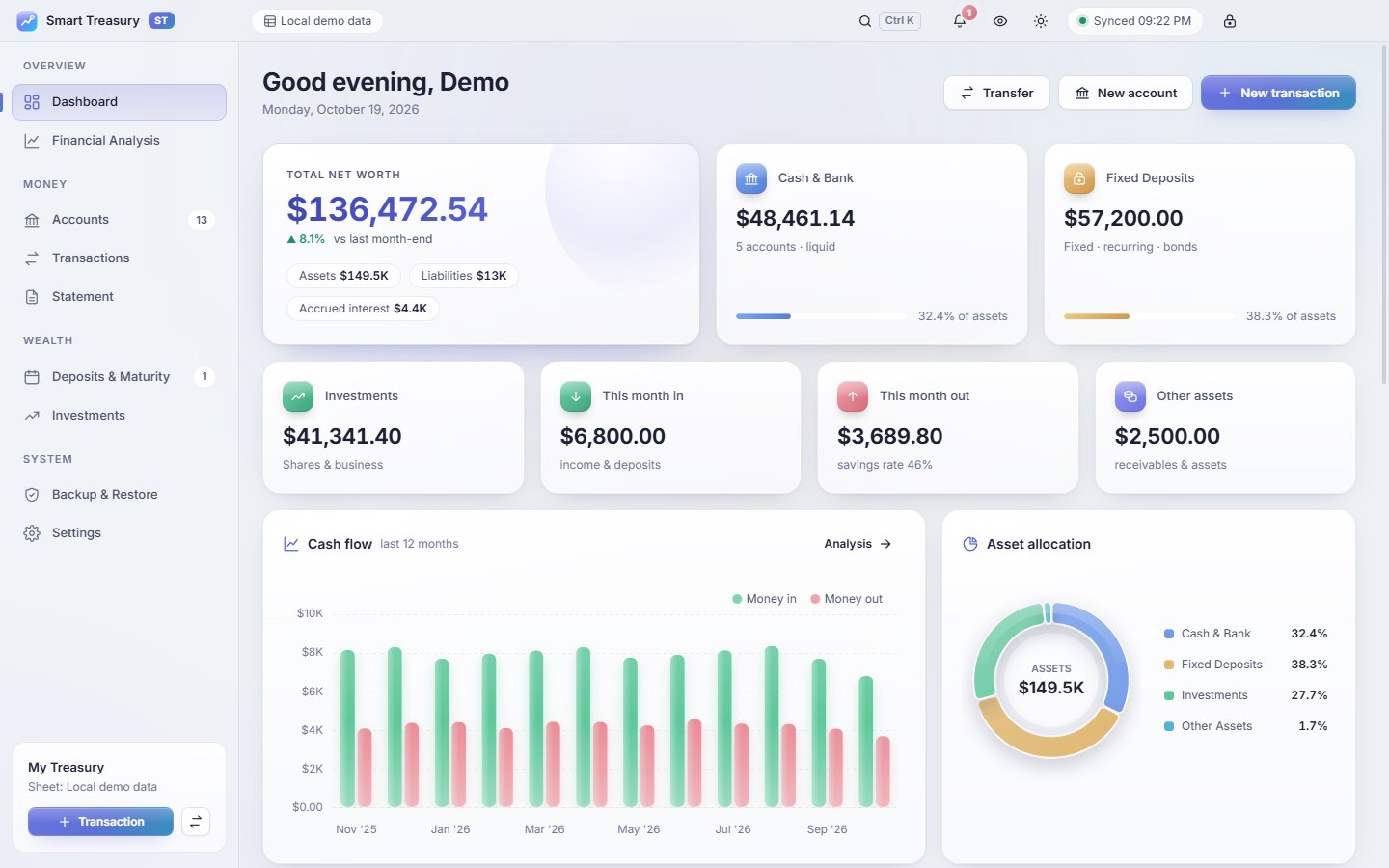
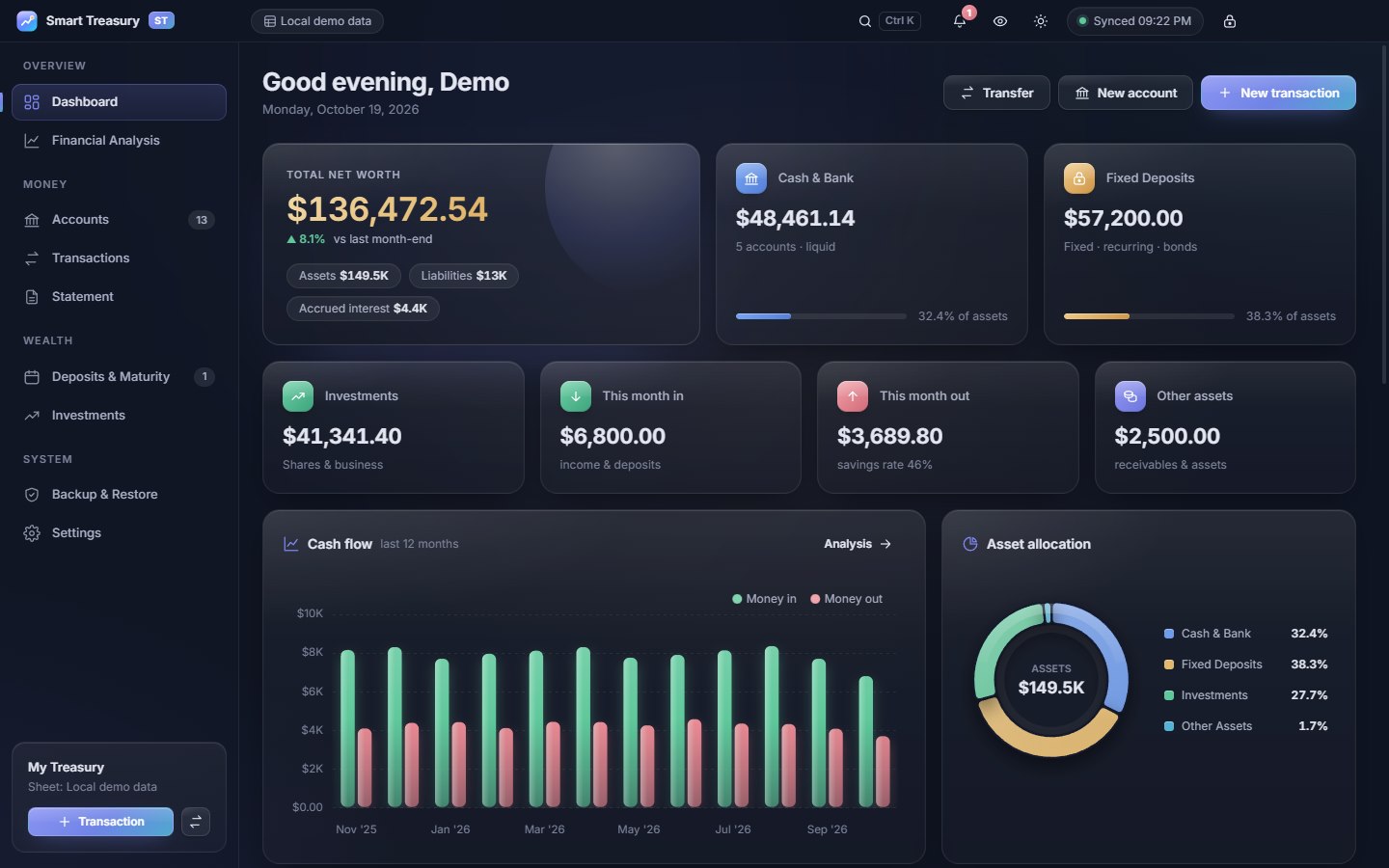
A low-glare slate dark theme and a cool paper-grey light theme, both glossy, with the same layout. Drag the handle to compare.
Security
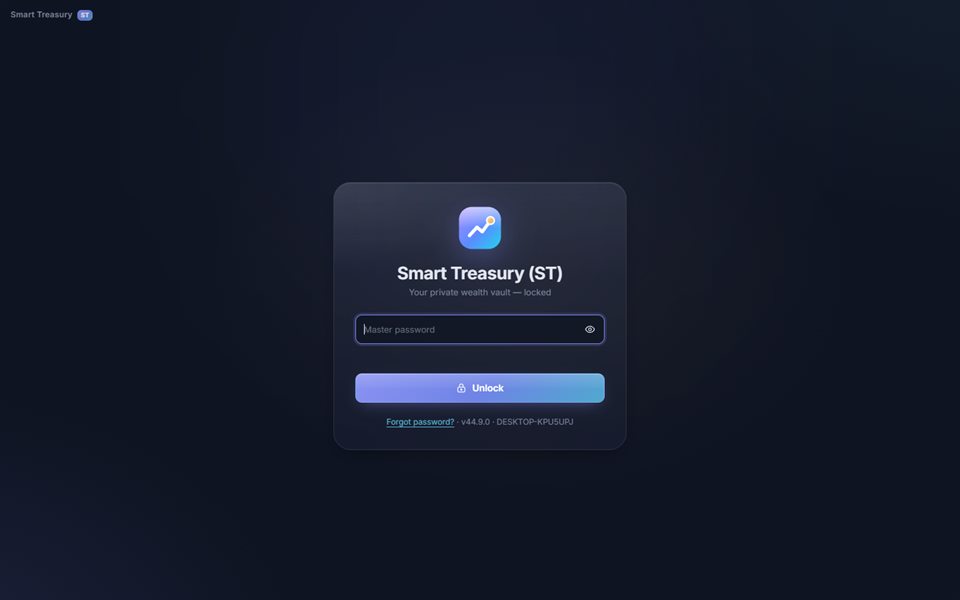
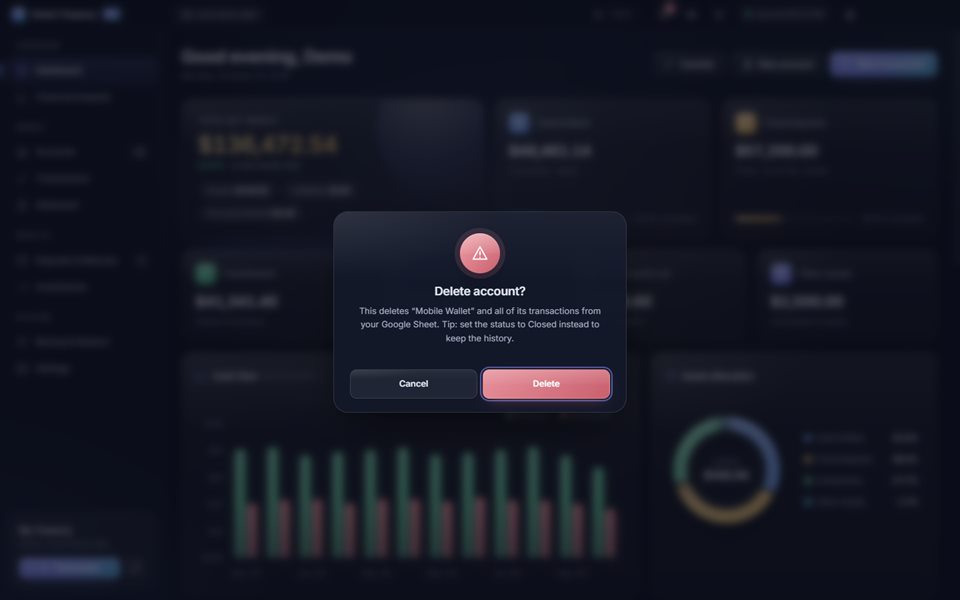
There is no Smart Treasury server. Your records go only to your own Google Sheet, and everything stored on your computer is encrypted.
How it works
Each computer runs the app. All of them read and write the same sheet in your Google account, so home and office always agree.
For developers & resellers
The package contains everything needed to install from scratch, build the installers and put your own name on it.
brand.json; colours are CSS design tokens; currencies and banking terms are two small tables.schema.sql with keys and indexes, demo seed.sql, and CSVs to import into Google Sheets.Questions
No. A Google account, a Google Sheet and a service account with the Sheets API are all free for personal use. There is no Smart Treasury subscription.
No. The app talks only to the Google Sheets API using your own credentials. There is no analytics and no vendor server, and the page that shows your data cannot reach the internet at all.
Yes. Export an encrypted connection file from the first computer and open it on the second with the same master password. Both work on the same sheet, and the app refreshes every few minutes and when you switch back to it.
The password cannot be recovered, by design. Choose "Forgot password?", reset this computer and connect again with your Google key. Your records in the sheet are untouched.
It opens the last synced copy in read-only mode so you can still look things up. Editing resumes as soon as the connection is back.
Yes. Demo mode uses a local file instead of Google Sheets and loads a full year of sample accounts, transactions and trades with one click, in US dollars or in taka with South Asian terms.
Any. 33 currencies are built in, from the US dollar, euro and pound to the dirham, rupee, taka and yen, and you can type any other symbol. The first run follows your computer's country. You can choose international or South Asian banking terms and 1,234,567 or 12,34,567 grouping at any time.
Every account, every maturity, every cent, in one private vault.
Questions?